
Application and Approval
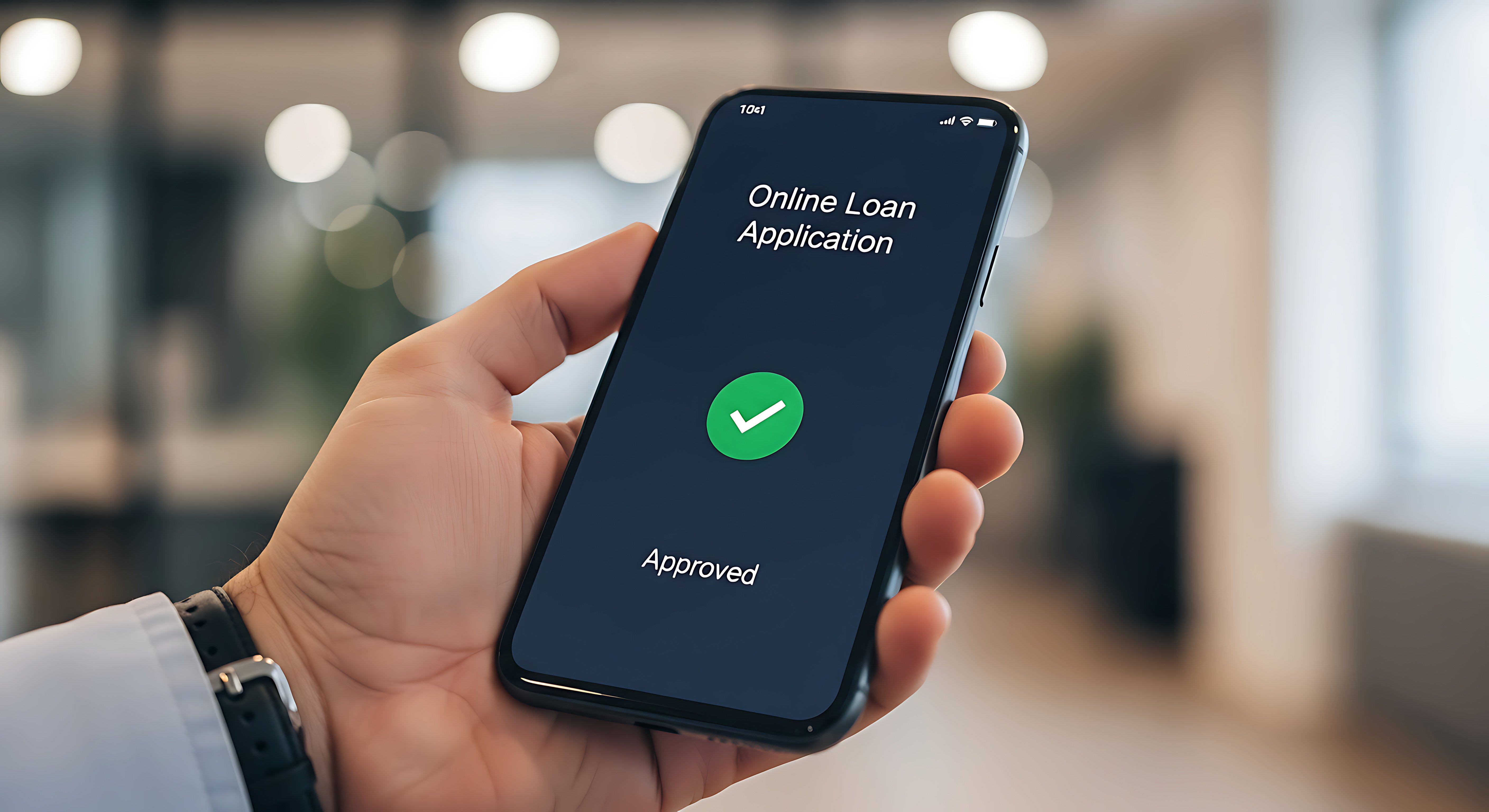
The borrower's loan application moves through the Lending Engine's origination and decisioning modules. Once approved, the lending officer sets up disbursement details and prepares the document package.

eSign Trigger
When the loan is ready for signing, the lending officer triggers Crypton's eSignature module from within the Lending Engine. Documents are assembled and sent.

SMS Delivery
The borrower receives an SMS notification on their mobile device with a link to the signing session. Crypton's Messaging module handles delivery, no separate communication tool required.

Mobile Signature
The borrower taps the link, reviews the documents and signs on their phone. The mobile-optimized interface does not require an app download.

Quick Round Trip
From the moment the borrower completes signing, the executed documents are returned and the status updates in GOLDPoint's GOLDTrak Online pipeline view—typically within about 20 seconds. The lending officer sees the completed status without leaving the platform.

Funded
The deal closes. Documents are executed, the audit trail is complete and the loan moves to servicing.
